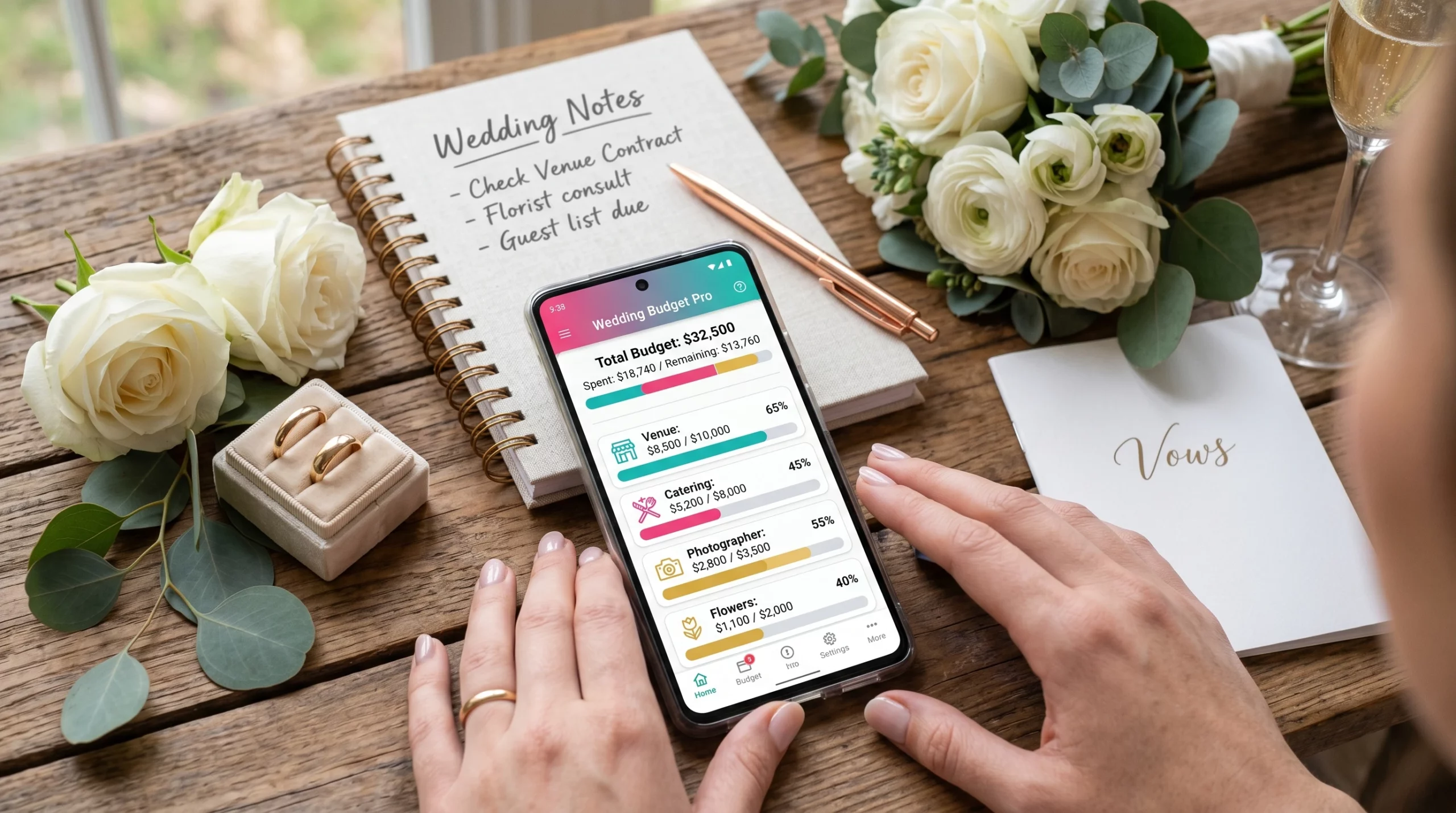
Managing wedding costs can feel like wrangling a dozen cats at once. If you’re just getting started with planning your big day, wedding budget apps are a pretty handy way to keep your finances in check. With hundreds of choices out there, picking an app that suits your style (and your wallet) can feel overwhelming. So, I put together this guide covering the best features to look for in a wedding budget app for 2026 to help you plan smarter and avoid nasty budget surprises.
Why Use a Wedding Budget App?
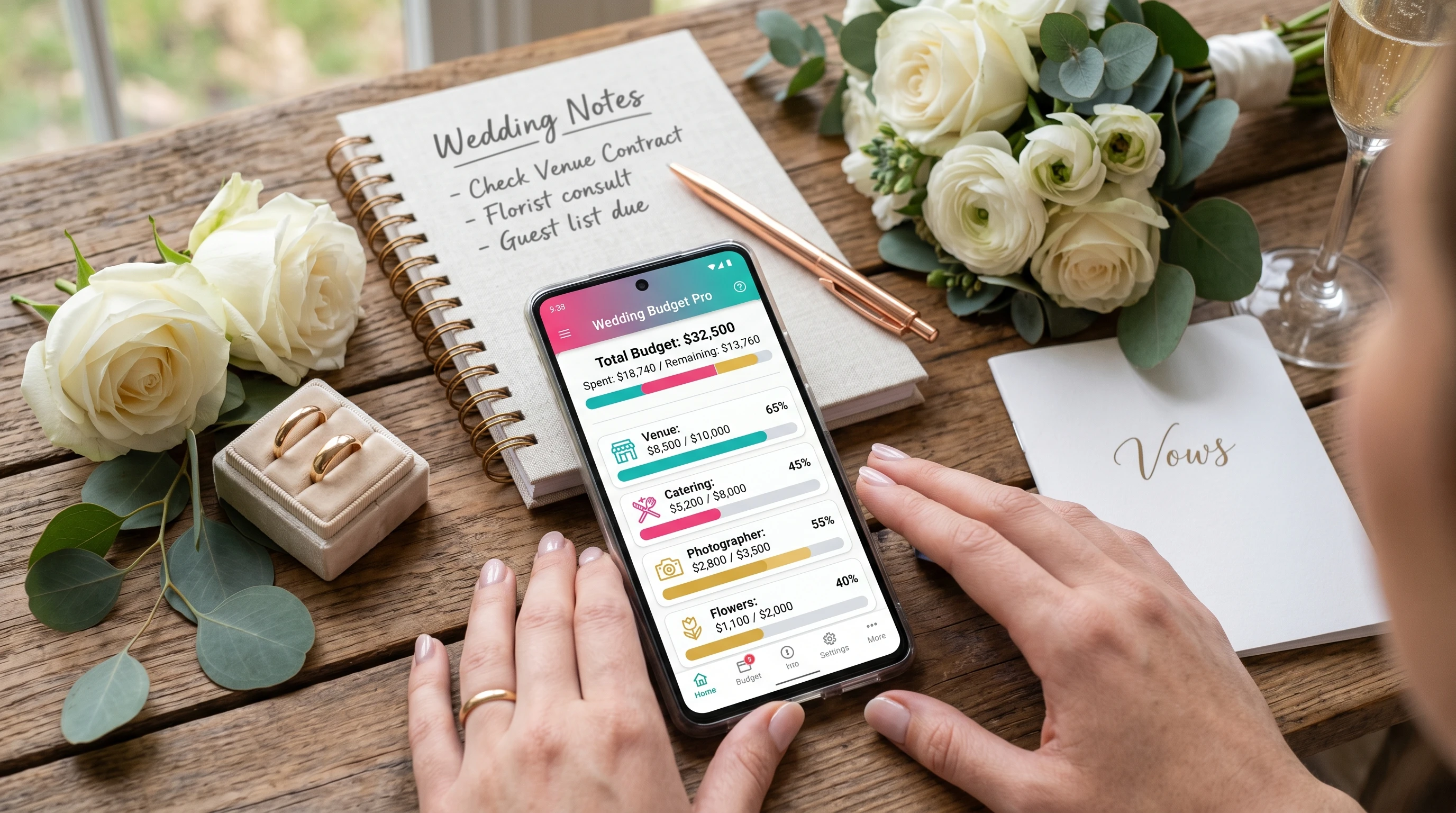
Weddings often cost more than people expect, especially when every tiny detail adds up. I’ve worked with planners who watched their budgets double just by ignoring a few small purchases. A dedicated wedding budget app doesn’t just crunch numbers; it gives you a real-time snapshot of your spending, keeps you and your partner on the same page, and helps you pin down costs before you get carried away by Pinterest boards. If you’re like me and enjoy seeing your progress all in one place, these apps save headaches down the road.
I find that couples also feel less stressed when the app sends friendly reminders about payment deadlines or helps them divide expenses across families—or figure out where to cut back after a splurge on the cake. Having everything organized is super important for enjoying the planning process rather than dreading it. These apps add much-needed structure, making sure you and your loved ones don’t lose track of important payments or forgotten bills.
Key Features to Look For in Wedding Budget Apps
Not every couple will need the same features, but some things are super important for nearly everyone planning a wedding. Tracking and managing expenses smoothly can help prevent conflict and keep your planning process positive. Here’s what I recommend prioritizing:
- Collaboration Tools: Look for apps where both you and your partner—or maybe a parent or planner—can make edits, leave notes, and see budget changes in real time. This keeps everyone informed and helps dodge miscommunication.
- Category Flexibility: Budget apps should let you add custom categories (like those quirky DIY projects or your taco truck). You want your budget to reflect your wedding, not just a generic template. Customization is key, especially for unique celebration styles.
- Payment Alerts and Reminders: I always appreciate a heads-up before a payment is due. Some of the best apps notify you by email, push notification, or even SMS so you don’t forget vendor deposits or balances a week before your wedding. Timely reminders are a lifesaver in the busy months leading up to your event.
- Analytics and Reporting: Graphs, charts, and spending summaries help spot where you’re staying on track or creeping over budget. Visuals make it easier to explain the numbers to other family members helping to pay. It’s also a great way to review and reflect on your spending choices later.
What Can Go Wrong Without a Wedding Budget App?
Skipping a wedding budget planner can turn small mistakes into big financial stress. I’ve seen couples forget about service fees and taxes until the last minute, or pay two photographers deposits without checking their budget first. Missing key payments sometimes ends in lost vendor dates. Unused cash gifts or misallocated funds can end up lost in the shuffle of receipts and emails.
Budget apps act as a digital safety net, catching those little details and making sure you’re not left scrambling as the big day approaches. Even if you love spreadsheets, having extra backup is smart. The clarity a budget app brings can save your nerves, relationship, and wallet from a lot of last-minute panic. And who wants that on top of wedding jitters?
Using a Wedding Budget App: Quick Start Steps
- Download and Register: Choose an app (or two) that fits your style and create a free or paid account. Look for trial versions so you can make sure it works for you before you commit long-term.
- Set Your Main Budget: Enter your total spending limit based on what you’ve saved, what you expect as gifts, and any contributions from family. Be realistic here—factor in a small buffer for surprises, since nearly all weddings include at least one unexpected cost.
- Add Main Categories: Set up the main buckets: venue, food, attire, flowers, music, favors, and emergency fund. Add anything unique to your event, like interactive entertainment or extra décor, so nothing slips through the cracks.
- Invite Collaborators: Add your fiancé, planner, or family if you want to keep everyone in the loop. Shared access cuts down on confusion and keeps financial transparency front and center.
- Set Reminders: Turn on payment or deadline notifications so you can avoid missed payments or late fees. Most apps let you tweak when and how you get these reminders, so find a cadence that works for your planning style.
Potential Roadblocks and How to Handle Them
- Learning Curve: Some apps take a bit of setup time, especially if you want to track every penny. Most have how-to videos or user forums that break it down simply. I always suggest starting with just a few categories while you get used to things and then expand as you feel more comfortable. Don’t get discouraged by the bells and whistles—core functions are usually straightforward.
- Splitting Expenses: If you’re managing shared costs between families, make sure your app lets you tag or assign payments to different people. It avoids confusion later. Many apps now offer tagging features, so explore those for smoother breakdowns.
- Data Privacy: Stick to well-reviewed apps and read the privacy policy. I recommend avoiding unknown or “free forever” apps without a solid company behind them if you’re connecting your bank. Protecting your financial info is non-negotiable, so check in with the community or online reviews if in doubt.
Common Questions About Wedding Budget Apps
Can I use more than one wedding budget app?
Sure! Some people use two: one for the big-picture stuff and another for receipts or vendor lists. Just be careful not to double-enter data or you’ll end up with mismatched totals. If you split the workload, make sure you label each app’s purpose clearly.
Are free apps enough, or should I pay for premium features?
For small weddings, a free app might be all you need. Bigger events or destination weddings may need upgraded tools like multiuser support or bank syncing. I suggest trying the free version first, then upgrading if you outgrow it. Premium usually means better support, enhanced reporting, and priority access to new features.
Can budget apps help negotiate with vendors?
Indirectly, yes. If you show up with a clear budget overview, vendors can often help you target packages that fit your needs or suggest creative workarounds to lower costs. Showing you have your finances organized gives vendors confidence and can sometimes inspire better deals or bonus perks.
What’s the best way to handle cash gifts or multiple payment sources?
Apps that let you log cash gifts as they come in and allocate them to different categories are really useful. Some also let you track who gave what, which makes sending thank-you notes a lot easier later. Keeping a digital record ensures no gift or contribution is overlooked, and you avoid hard feelings later.
The Takeaway: Getting the Most Out of Wedding Budget Apps
Wedding planning is full of excitement, stress, and unplanned surprises. The right budget app keeps your finances under control and lets you focus on the fun stuff, like picking out your playlist or taste-testing cakes. Take some time to try out a few options, set up your categories, bring your partner on board, and use those reminders religiously. A little organization now keeps your big day running smoother and helps you sidestep last-minute sticker shock.
The sooner you start tracking, the more peace of mind you’ll have, leaving you free to enjoy every minute as you get closer to the aisle. Planning smart today sets you up for a celebration you’ll remember for all the right reasons tomorrow.